Basics
How to measure card thickness in points
Every holder size is a point rating. Here is what a point is and how to measure your card without guessing.
What a point is
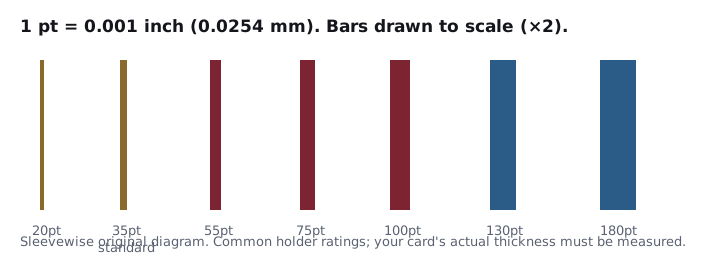
A point (pt) is one thousandth of an inch: 35pt is 0.035”, 100pt is 0.100”. Ultra PRO and Vault X rate top loaders and magnetic holders this way, for example “standard cards up to 75pt in thickness”.
Measuring
- Use a caliper or micrometer that reads to 0.001” (or 0.01 mm).
- Measure the bare card, out of any sleeve.
- Measure at the thickest point. Relic and patch cards are often thicker where the swatch sits.
- Convert: inches × 1000 = pt; millimetres ÷ 0.0254 = pt.
Conversions
| Millimetres | Points (rounded) |
|---|---|
| 0.51 mm | 20pt |
| 0.89 mm | 35pt |
| 1.40 mm | 55pt |
| 1.91 mm | 75pt |
| 2.54 mm | 100pt |
| 3.30 mm | 130pt |
| 4.57 mm | 180pt |
Choosing the size
Pick the smallest rating at or above your measurement. If you’re within about 5pt of a rating, size up. The Fit Finder does this for every product we track.
No caliper?
If a card came in a magnetic holder with a printed point size, treat that as a starting point, not a measurement.
Questions collectors ask
How do I convert millimetres to points?
Divide millimetres by 0.0254. For example, 1.4 mm / 0.0254 is about 55pt.
Should I measure with the sleeve on?
Measure the bare card. Ratings describe the card. Then, if you are near a limit, size up.
Products in this guide
What we point to, and why
Each pick is here because its maker publishes the size or rating this guide relies on. Photos are the makers' own.
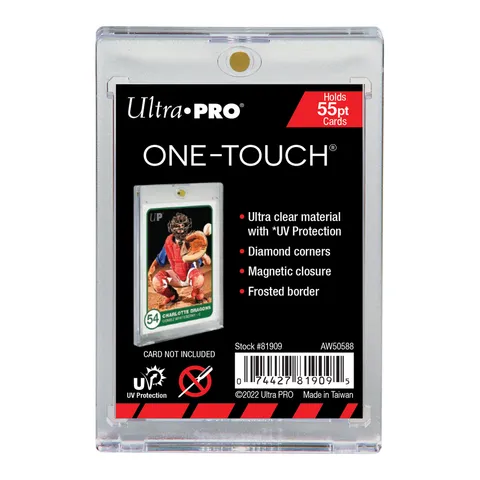
Ultra PRO 55PT UV ONE-TOUCH® Magnetic Holder
- Up to 55pt
- Standard 2.5" × 3.5"
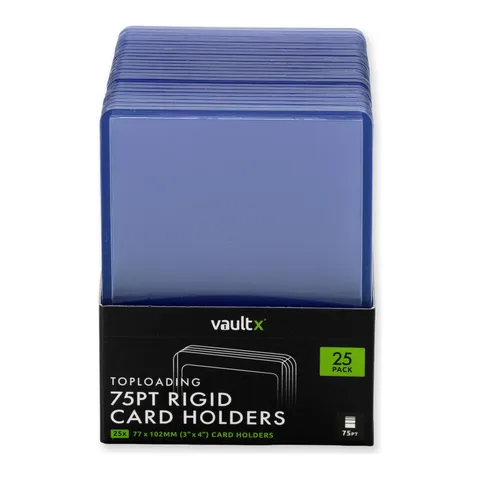
Vault X Seamless Rigid Toploaders 75pt
- Up to 75pt
- Standard 2.5" × 3.5"
- Inside 70 × 98 mm
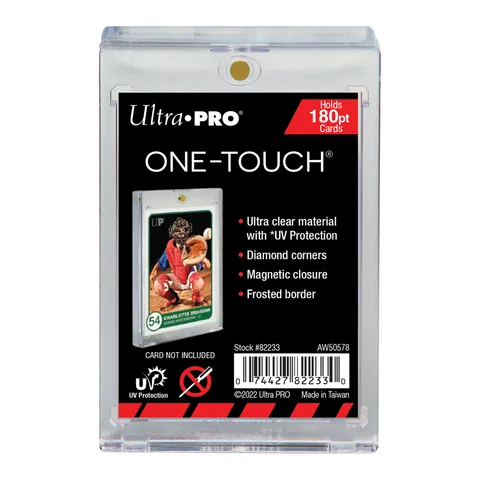
Ultra PRO 180PT UV ONE-TOUCH® Magnetic Holder
- Up to 180pt
- Standard 2.5" × 3.5"
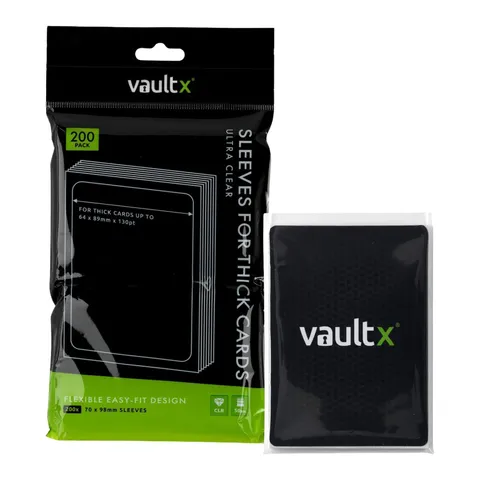
Vault X Card Sleeves for Thick Cards (200)
- Up to 130pt
- Standard 2.5" × 3.5"
- 70 × 98 mm